Full Academy Library
View all the videos and tutorials available in the ECO-OS Academy.
Table of Contents
Search the Video Library
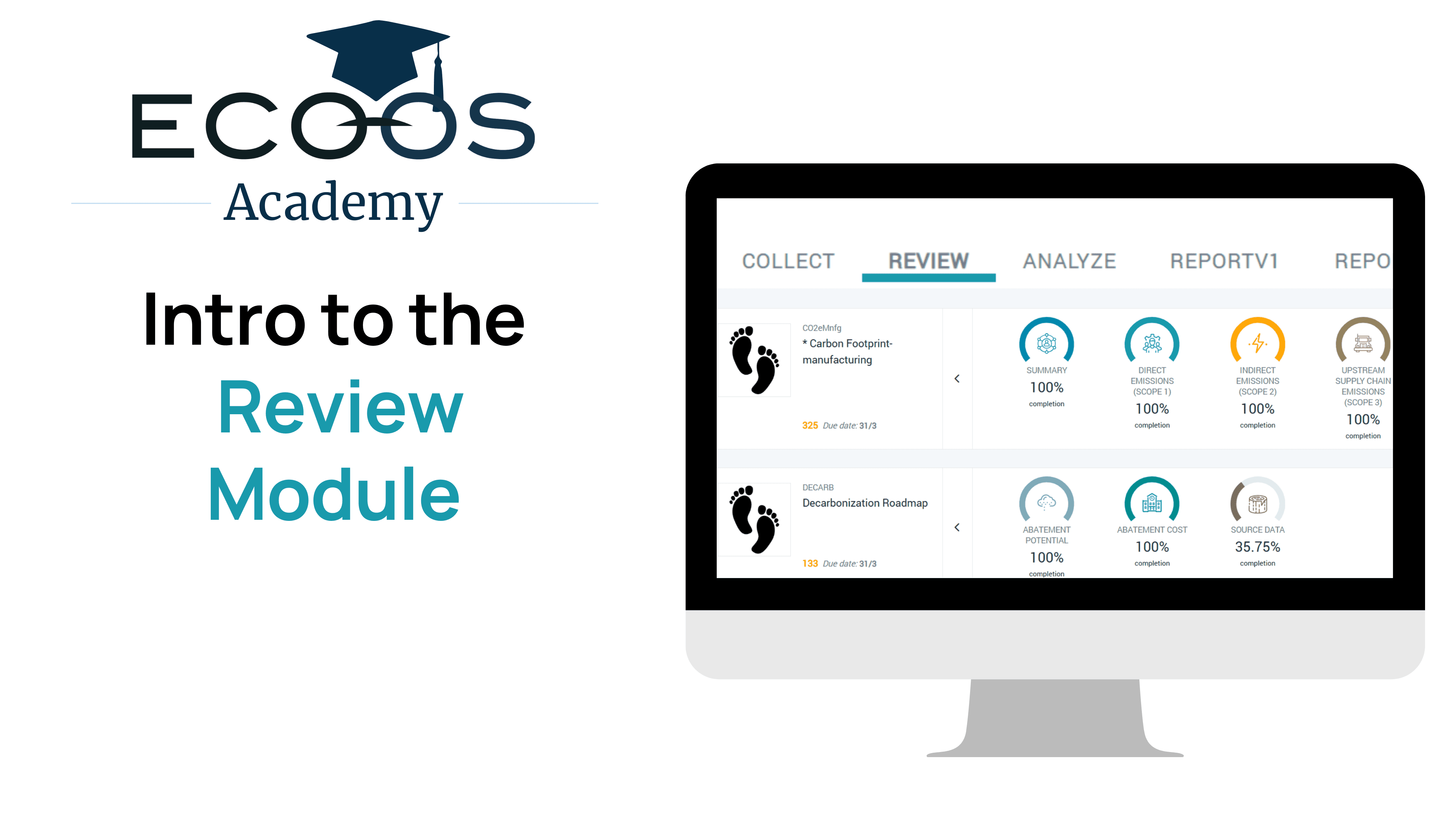
Introduction to "Review" Module
How to get started in the Review Module to view your calculated results, visualize trends, and quickly identify outliers.
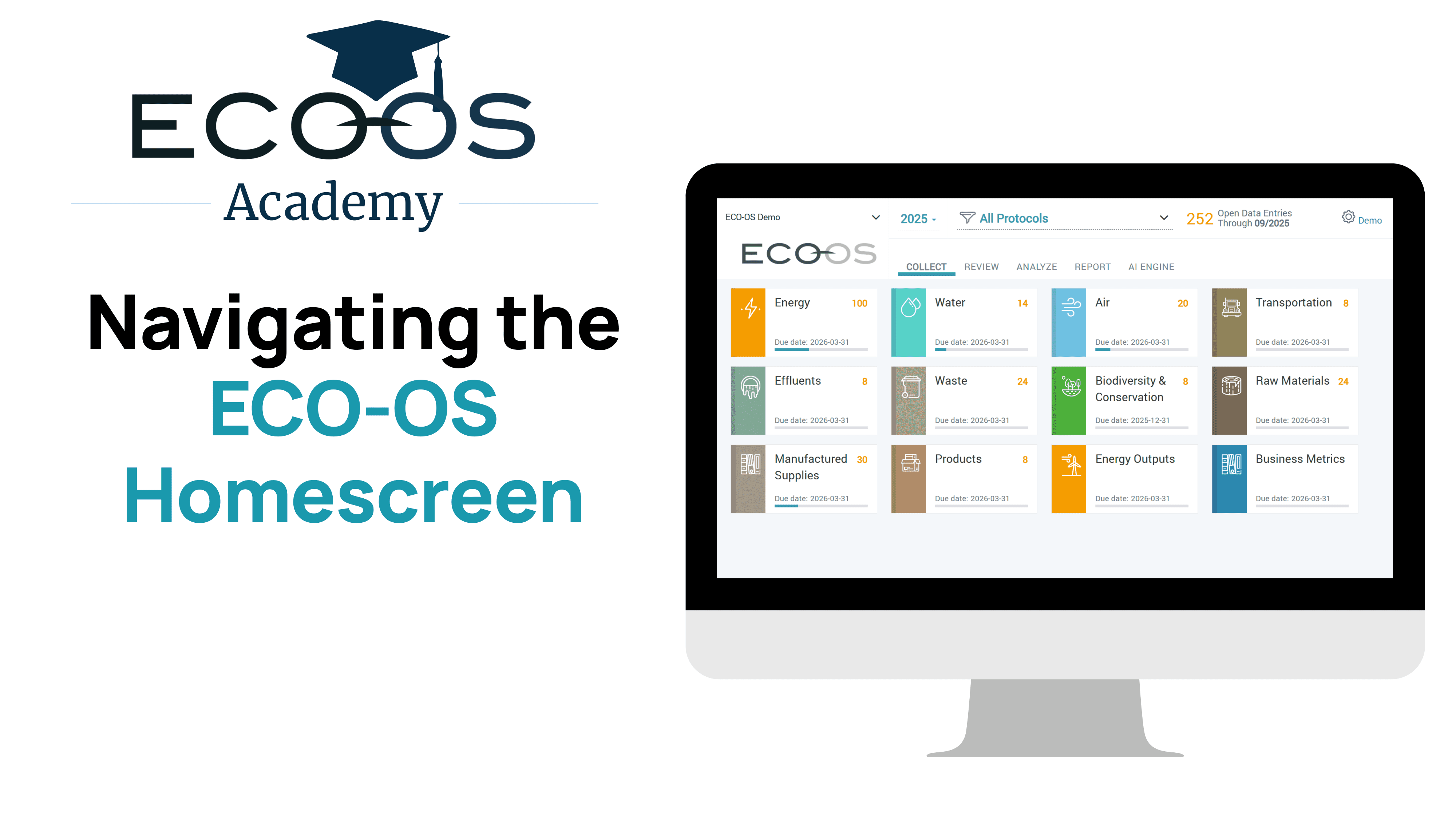
The ECO-OS Home Screen
New to ECO-OS? This quick video walks you through the home screen you see when you first log in.
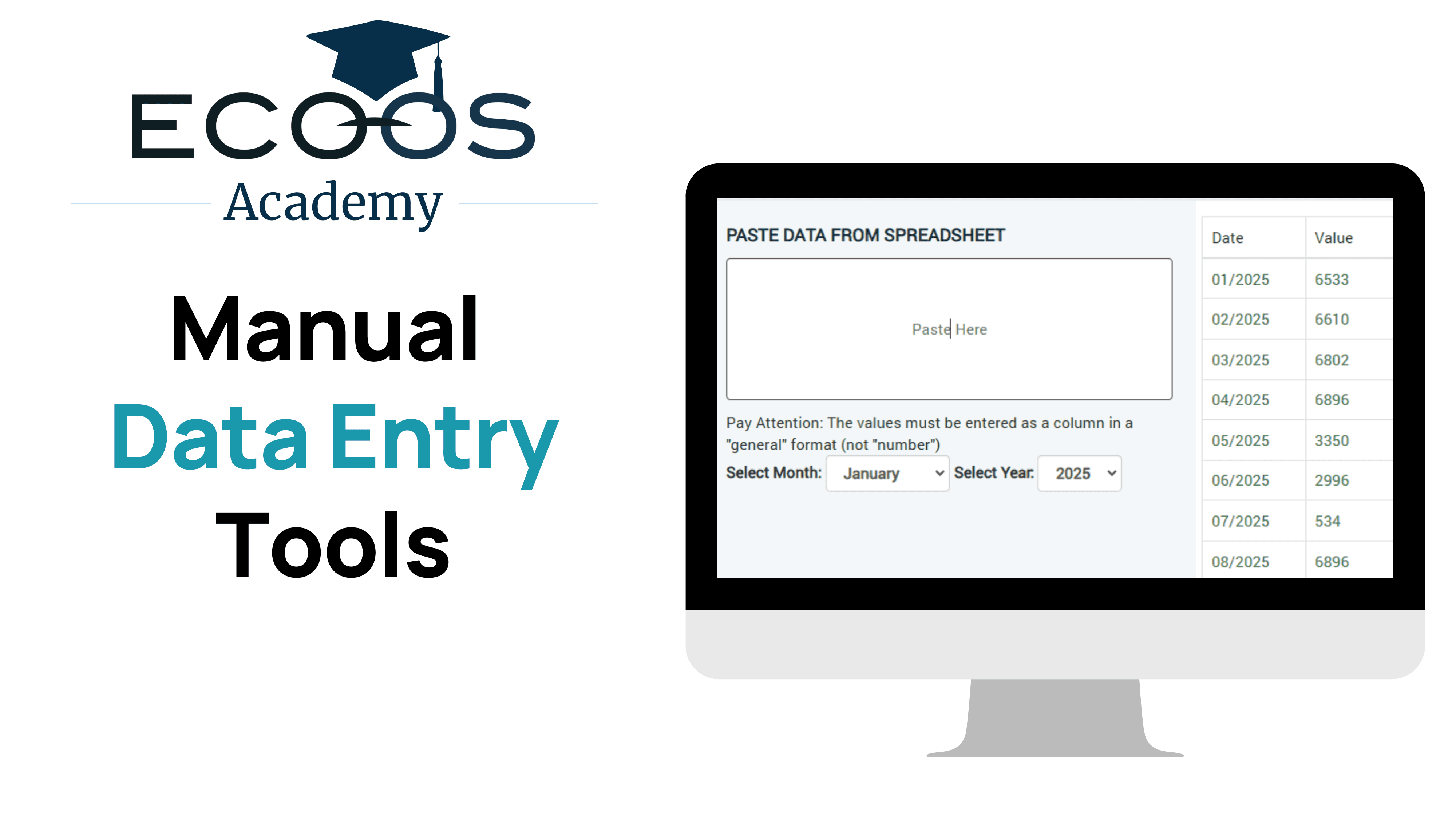
Manual Data Entry Tools
Type in data for individual months or use copy/ paste tools to enter multiple months at a time.
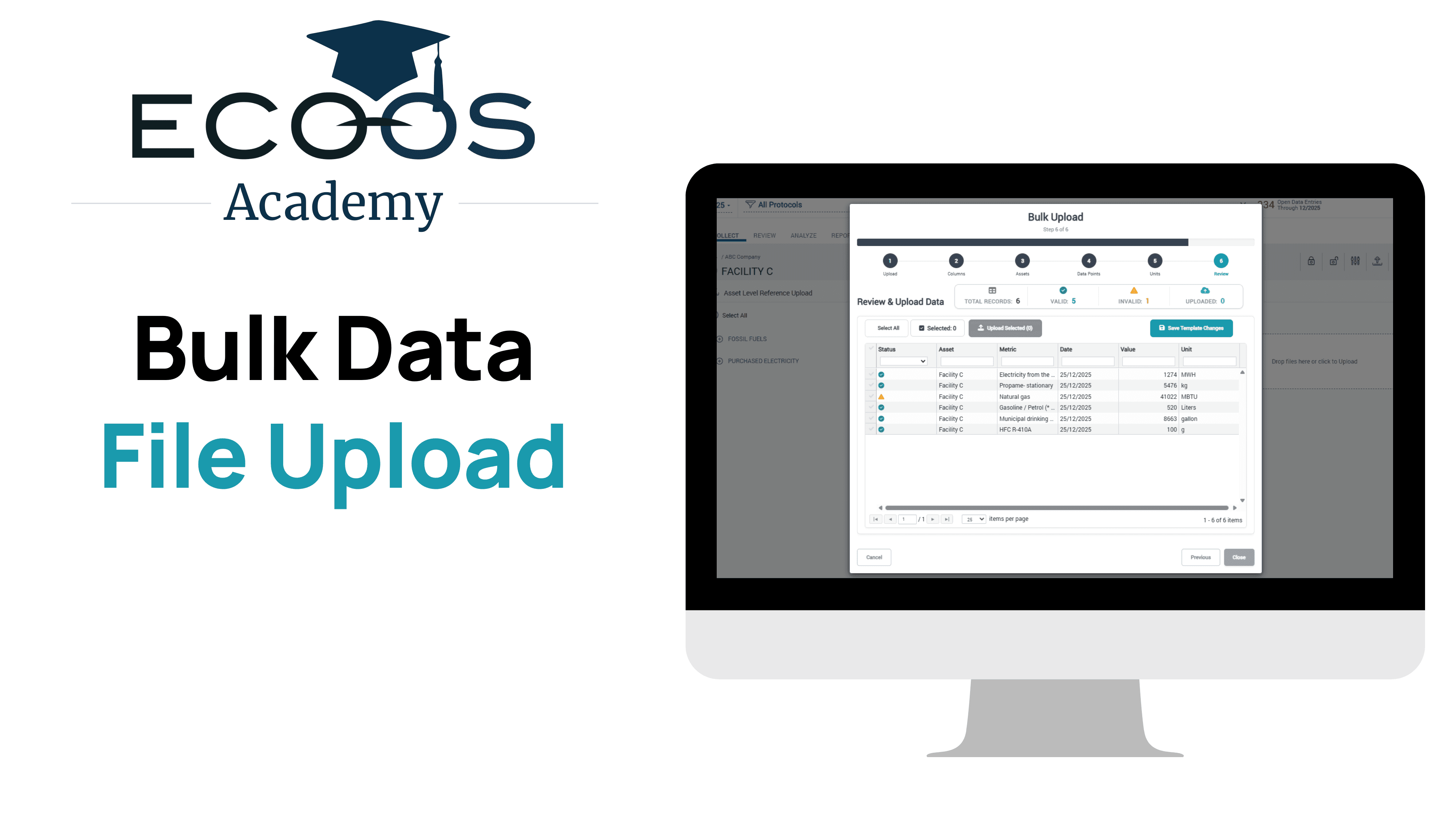
Bulk Data File Upload
Import data for your entire account in bulk from a .csv or .xls file.
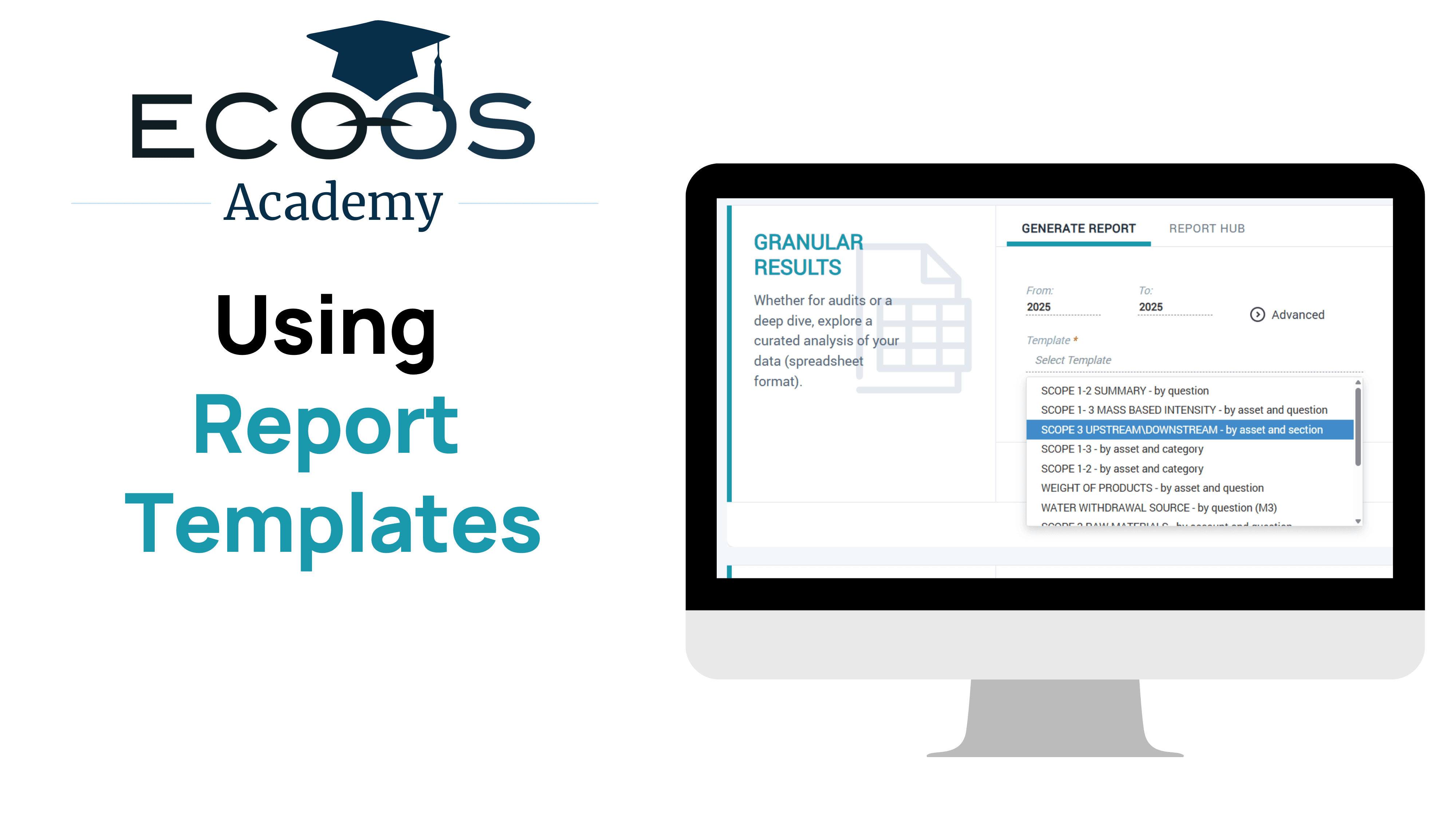
Using Report Templates
How to use preconfigured report templates to download a clean, customized subset of your data.
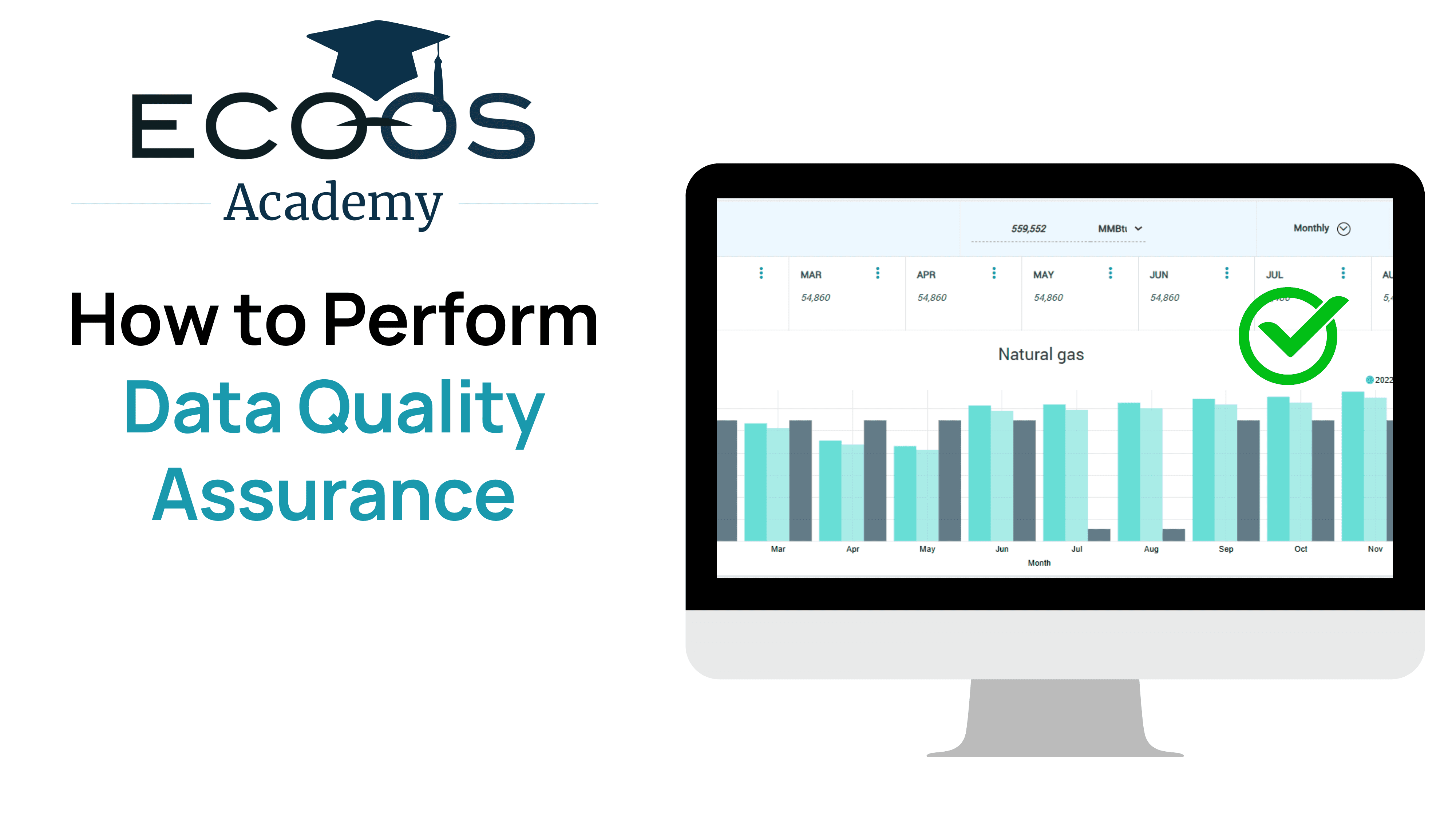
How to Perform Data Quality Assurance
How to quickly identify anomalies and inconsistencies in your data directly within in the Collect Module.
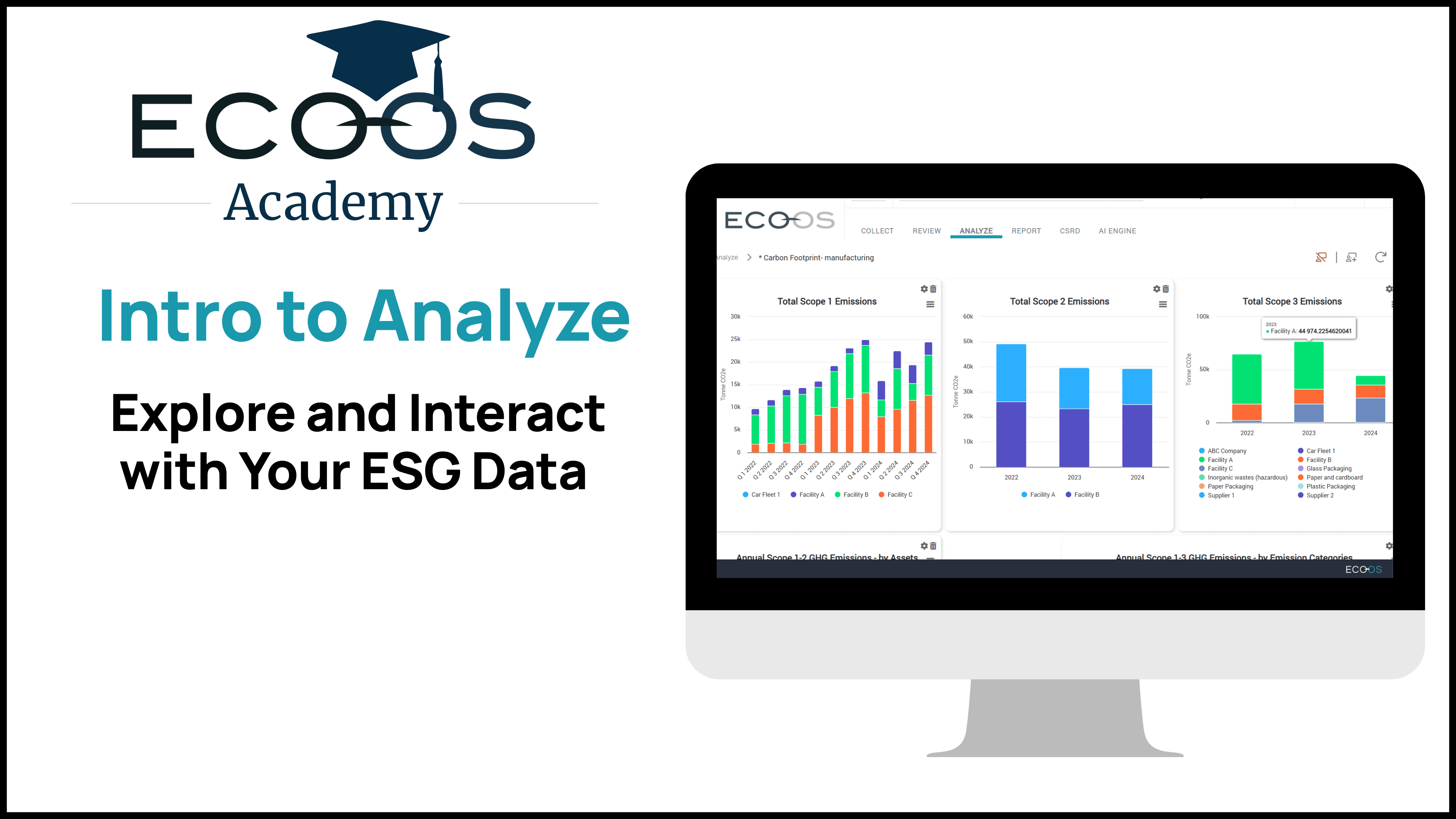
Analyze
A quick overview of the Analyze dashboard, including opening a new chart, editing an existing chart, and downloading a chart or the data used in the chart.
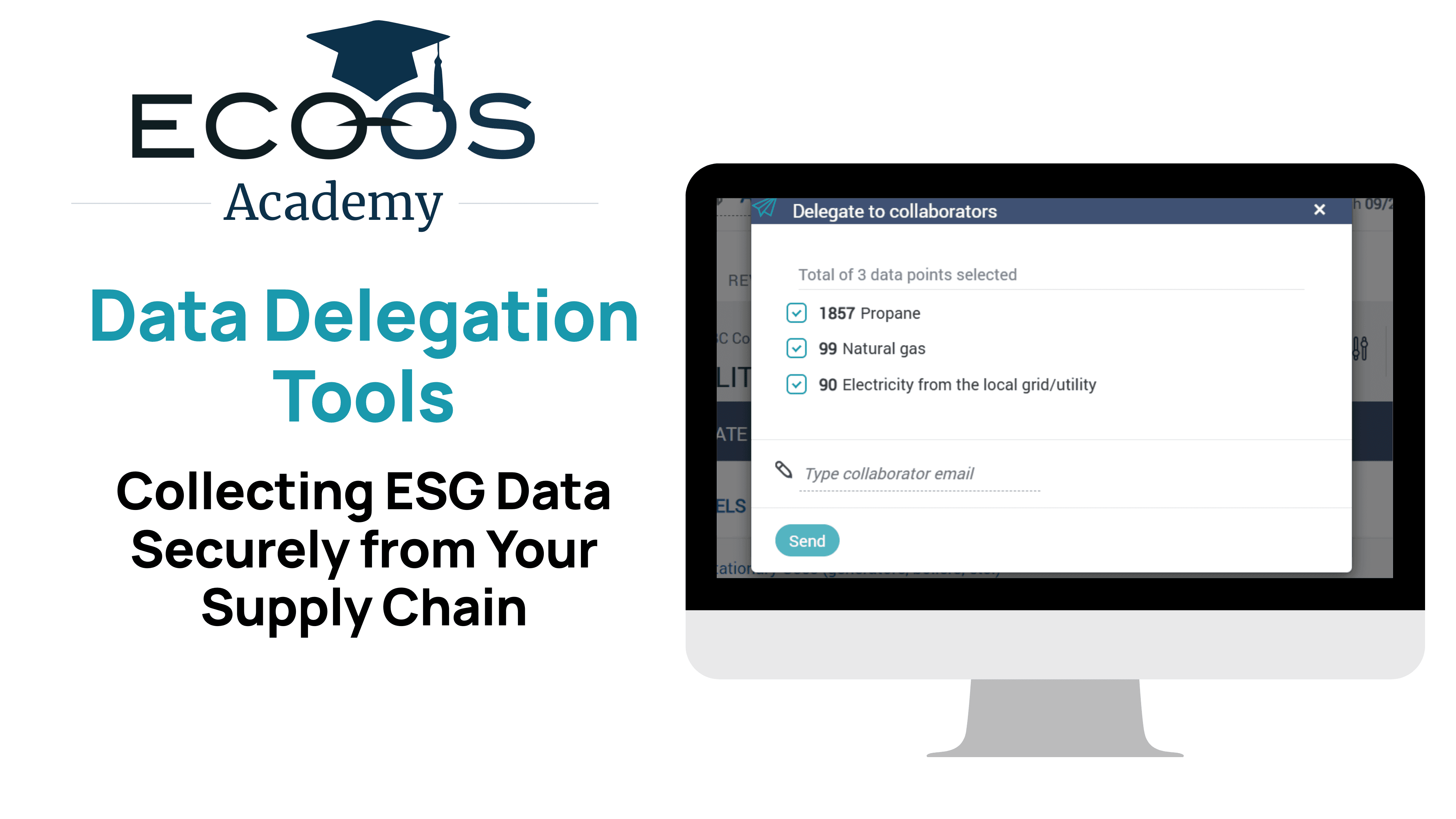
Data Delegation Tools
Tools for delegating data entry to suppliers or collaborator.
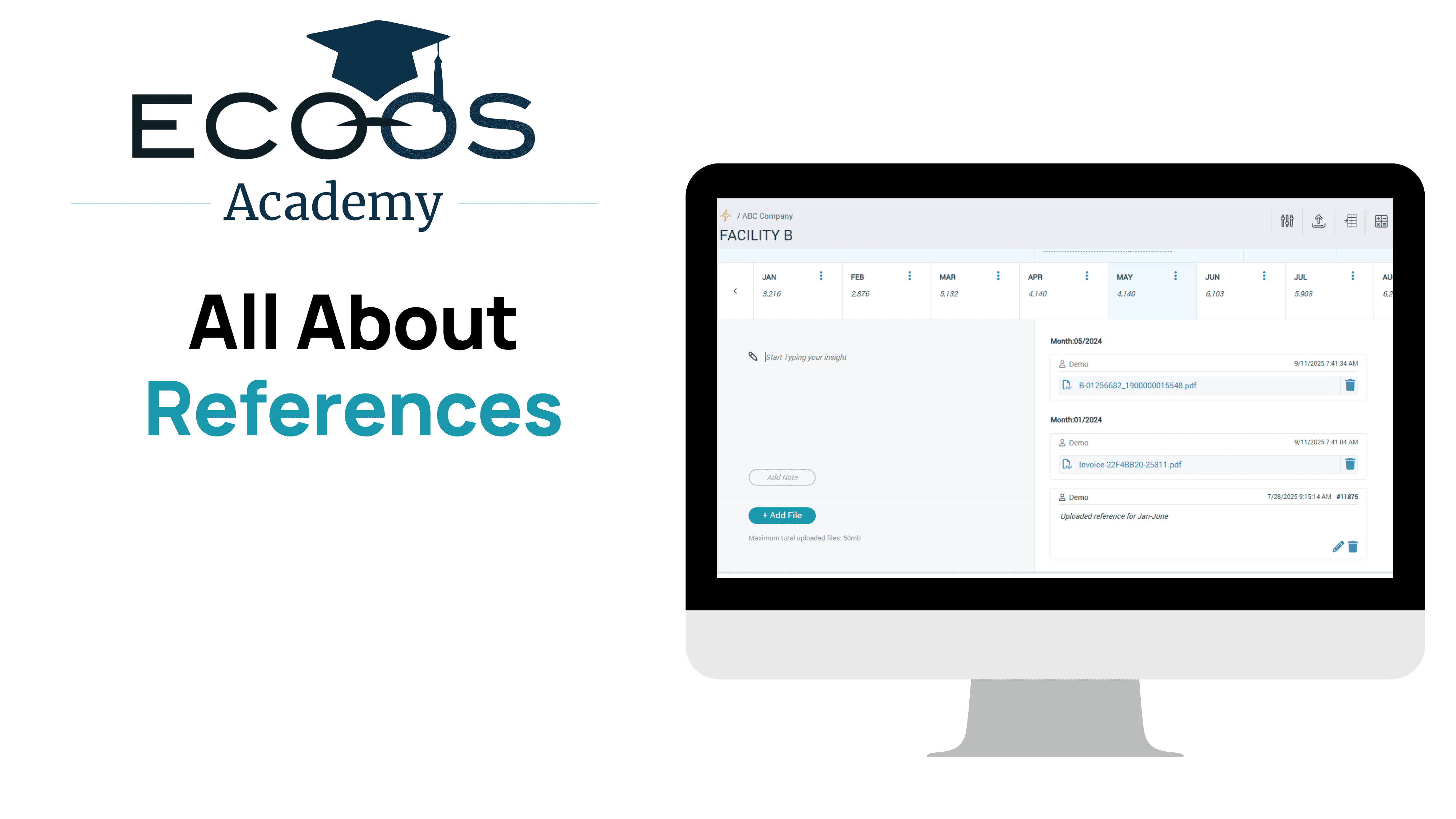
All About References
Create a full audit record of your data by uploading reference files and adding notes.
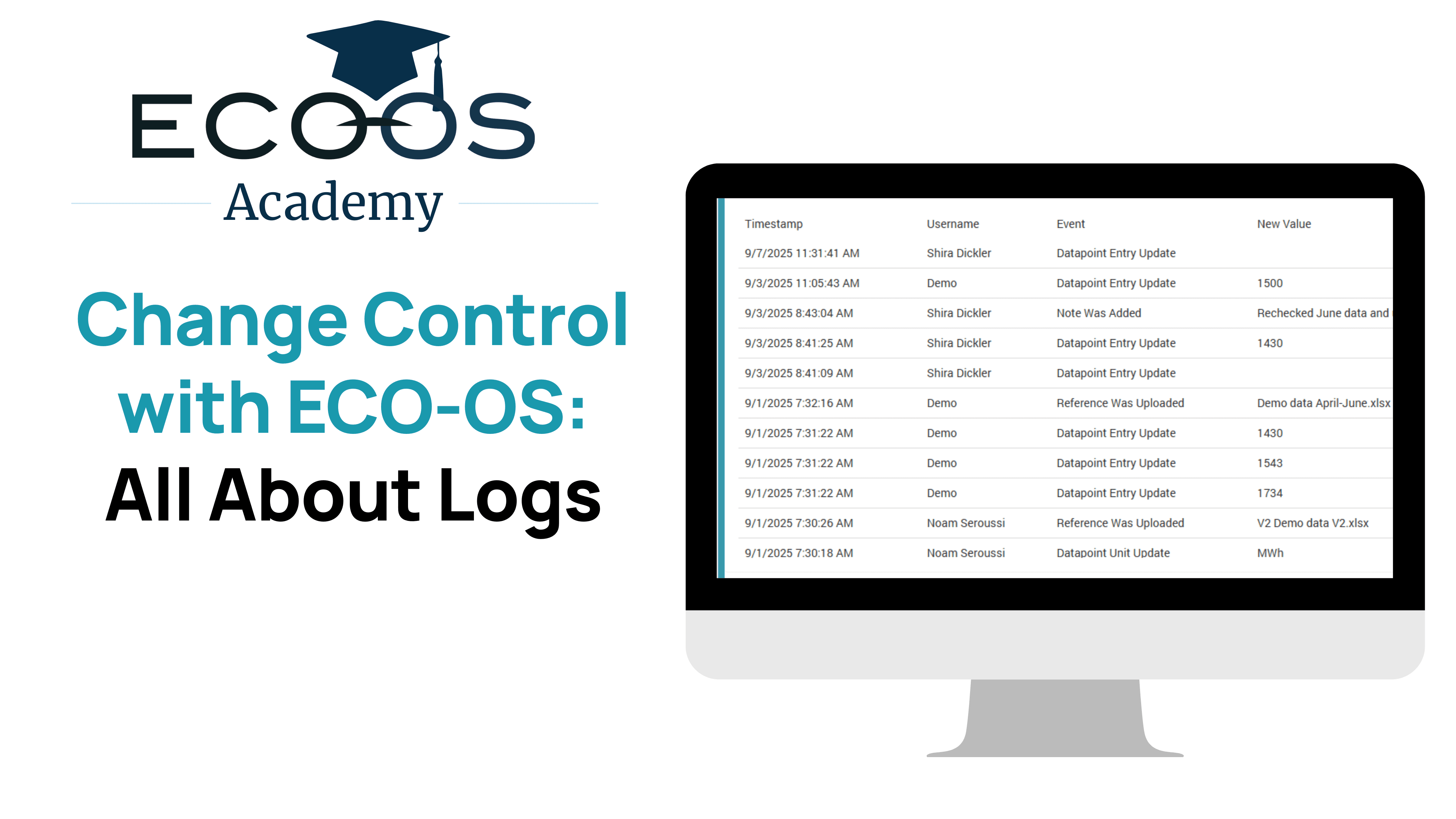
All About Logs
Learn how to access a complete record of activity on your data points with ECO-OS's "Logs" feature.
FAQs
Start Your Journey to Compliance and Growth Today
Subscribe to our Mailing List
Join our list for product news, expert-led webinars, industry updates, and insights from the blog— never spammy, always actionable. Unsubscribe anytime.